Download RakuOS
Hybrid Atomic Linux. Pick your desktop. Keep your freedom.
Every edition ships the same immutable base with the P03 optimization kernel, persistent overlay package system, and native gaming support.
Secure Boot Supported
RakuOS supports Secure Boot. You can leave Secure Boot enabled in your
firmware before booting the installer. On first boot after installation a blue MOK
Manager screen will appear, select Enroll MOK and enter the
password
rakuos to complete enrollment.
Learn more →
Downloads sponsored by

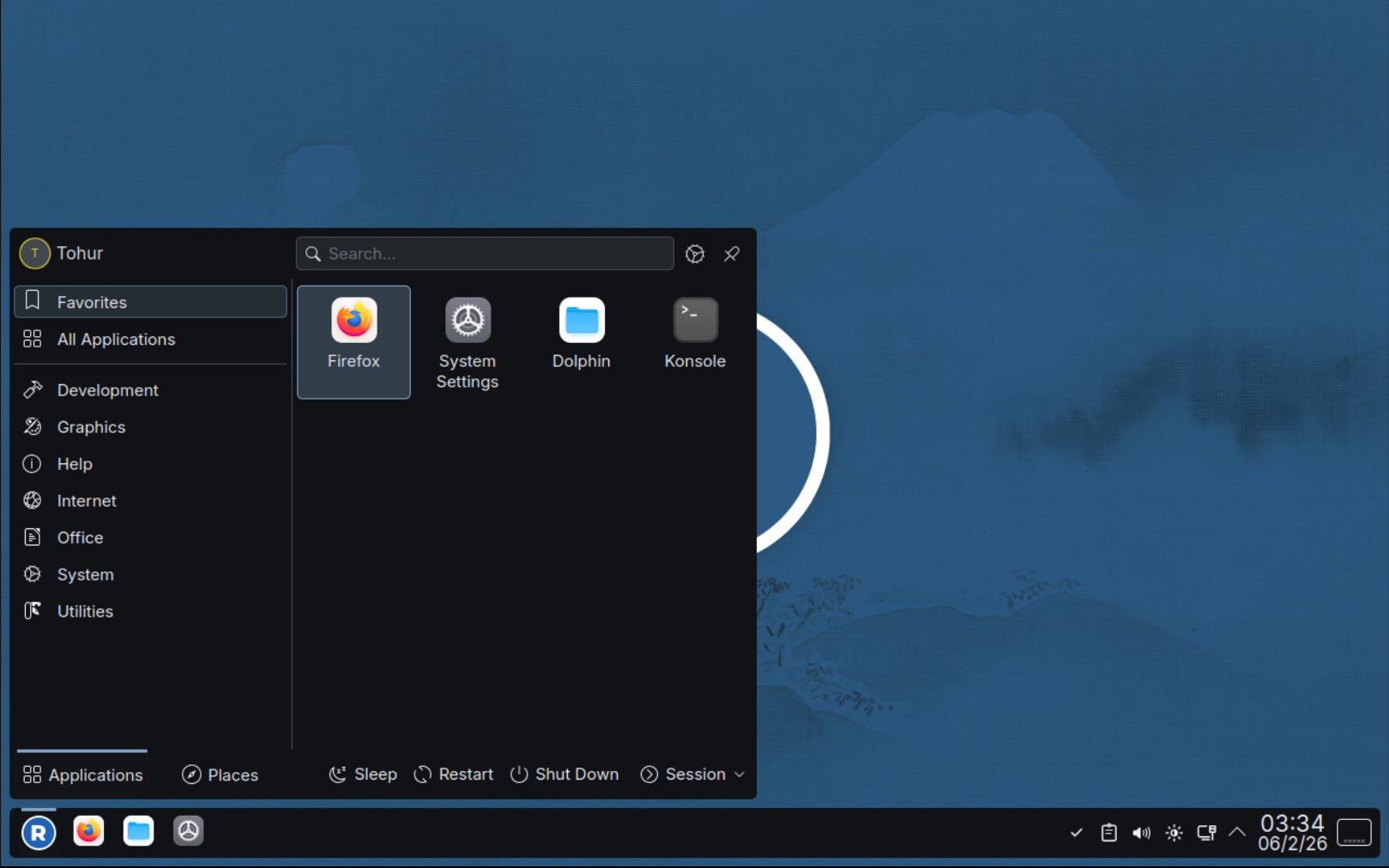 Flagship
KDE Plasma
Powerful, customisable, and familiar. The most polished RakuOS experience.
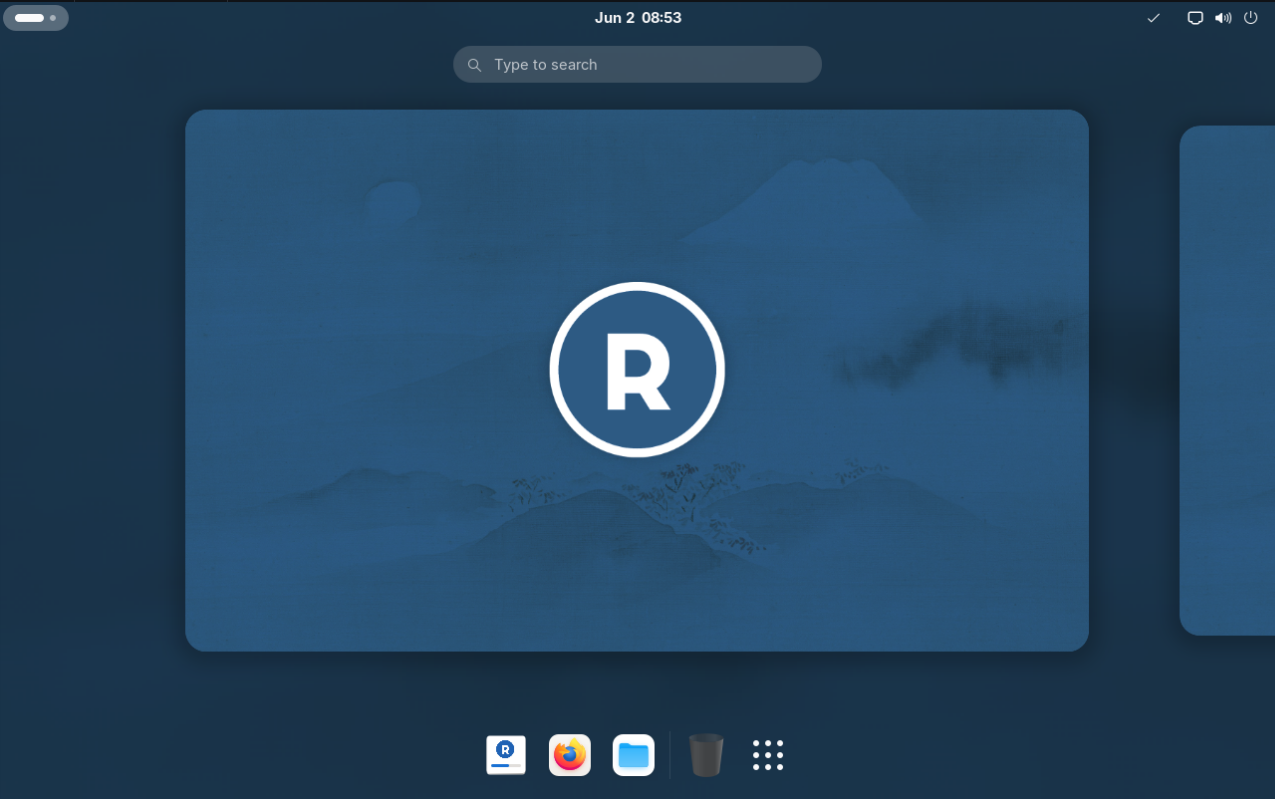
GNOME
Clean and modern. Distraction-free productivity with a polished GTK4 experience.
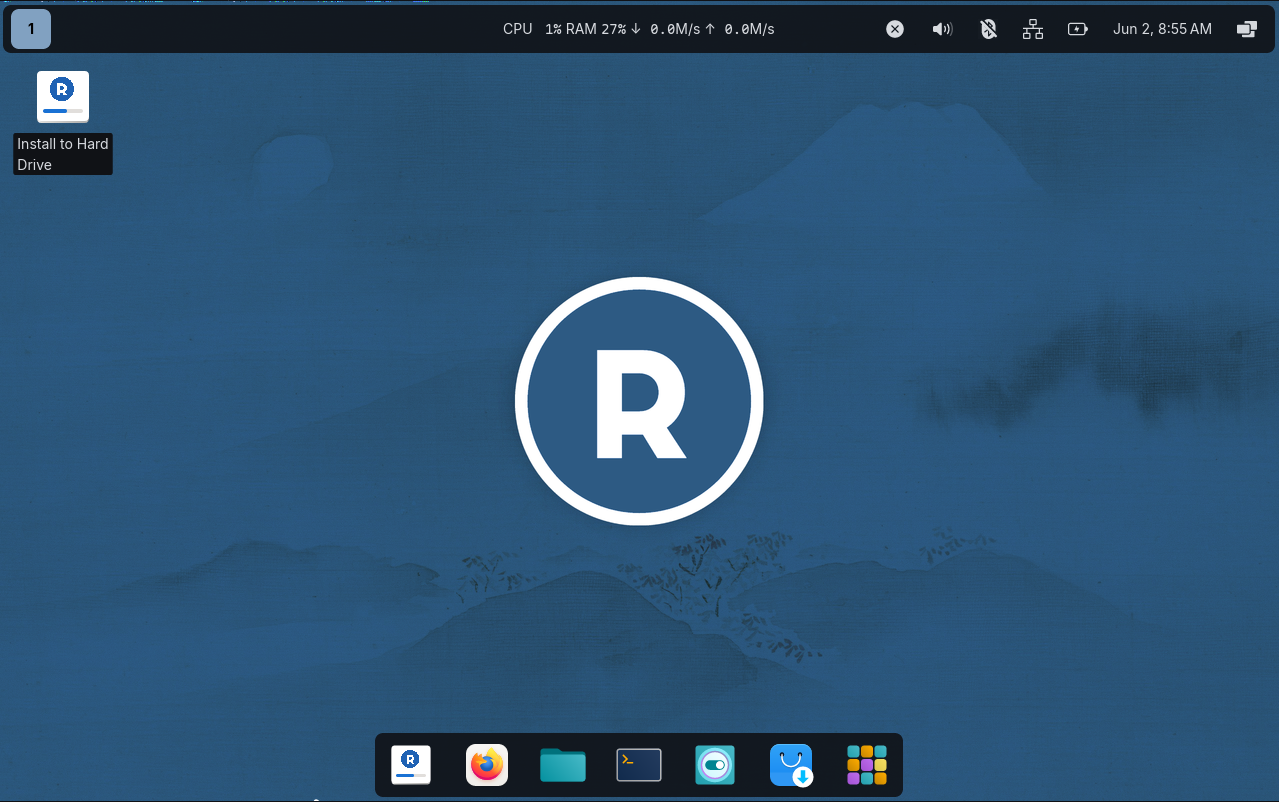
COSMIC
System76's next-generation desktop. Fast, minimal, and built for the future.
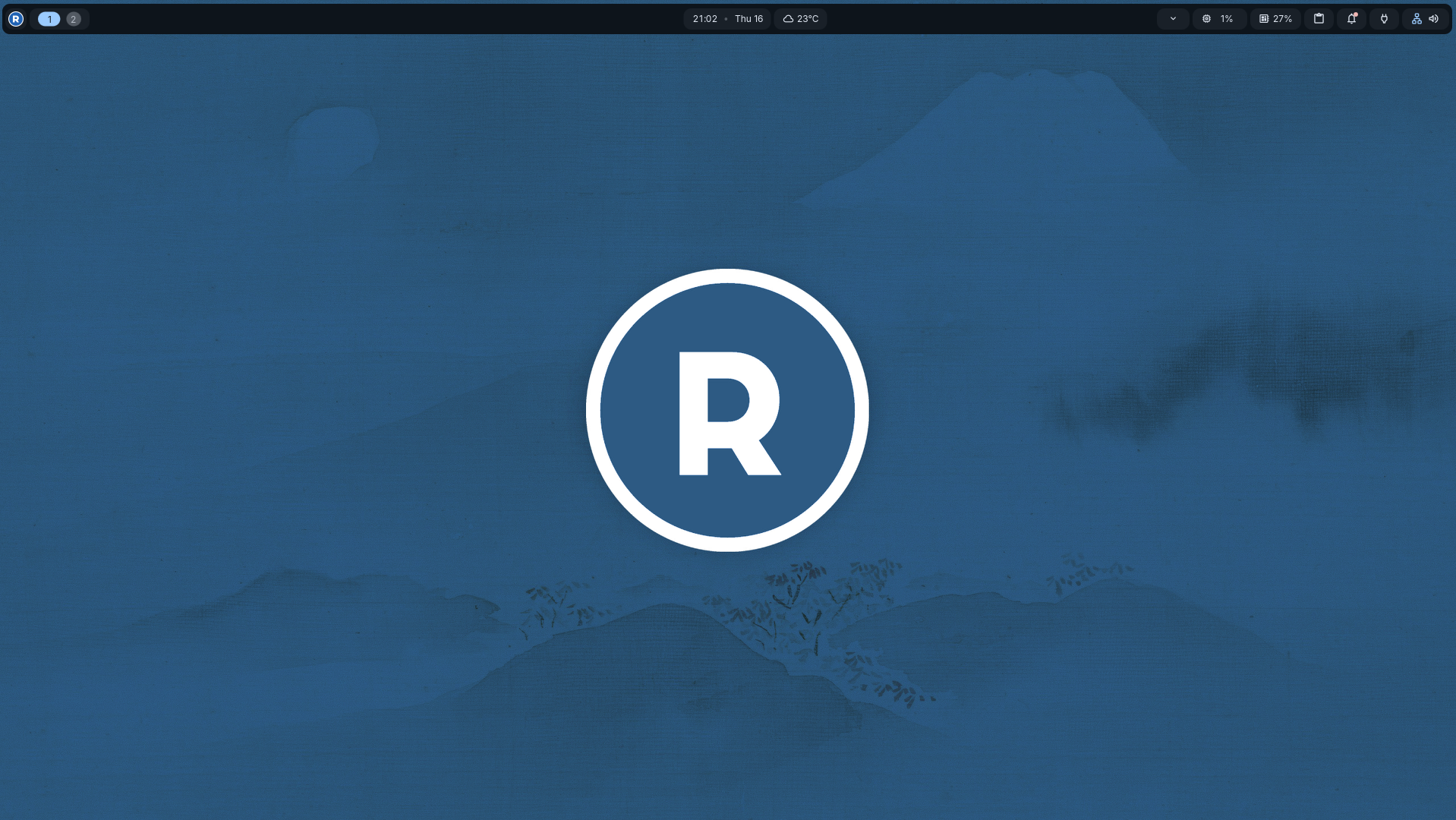 New
New
niri
Scrollable-tiling Wayland compositor. Fast, keyboard-driven, built for power users.
Getting Started
1
Download your edition
Choose your favorite Desktop environment
2
Flash to a USB drive
Use Balena Etcher, Fedora Media Writer, Image Writer or
dd to create a bootable USB.3
Boot and install
Boot from USB with Secure Boot enabled or disabled, both work. Follow the RakuOS installer. Disk setup is all it needs, first boot handles the rest including Secure Boot key enrollment.
4
Set up what you need
The RakuOS welcome app guides you through optional setup, gaming, VMs, local AI, and more.
System Requirements
| Architecture | x86_64 (64-bit) |
| CPU (required) | Intel or AMD |
| RAM | 4 GB minimum, 8 GB recommended |
| Storage | 40 GB minimum |
| GPU | AMD, Intel, or Nvidia |
| Boot | UEFI recommended |
| Internet | Required for post-install setup |